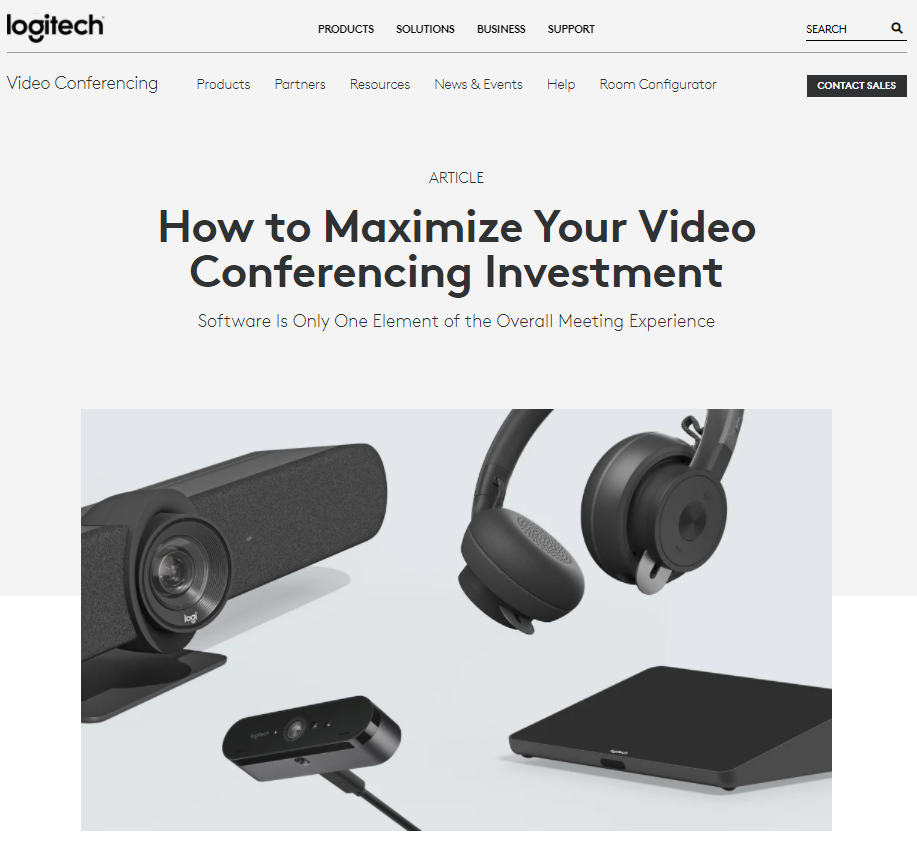
This blog post highlights the fact that in addition to the costs of software, businesses' investments in meeting rooms, personal collaboration tools, and IT management also need to yield the desired returns—and offers recommendations for doing so. Please contact SPEAKSPACE, LLC for more information about Logitech video conferencing solutions.
What can I find in the Logitech Business Resource Center?
The Logitech Business Resource Center brings together practical content to help teams work more effectively, especially in hybrid and remote environments. You’ll find:
- Insights on collaboration trends – Articles and guidance that explain how remote work, video conferencing, and modern collaboration tools are reshaping the way teams operate.
- Product resources – Data sheets, brochures, and detailed information on Logitech devices designed to support the “new logic of work,” from meeting room solutions to personal collaboration gear.
- Customer stories – Real-world examples of how companies are using Logitech products to meet their collaboration goals and improve productivity.
All of this is designed to help you make informed decisions about your collaboration strategy and the technology that supports it.
How does the Resource Center help improve team productivity?
The Resource Center is built to help you rethink how your teams collaborate and identify practical steps to improve productivity. It does this by:
- Highlighting collaboration trends that are driving innovation and change, so you can align your workplace strategy with how people actually work today.
- Providing detailed product information—such as data sheets and brochures—so IT and business leaders can match the right Logitech solutions to specific use cases, from home offices to conference rooms.
- Sharing customer stories that show how other organizations are using Logitech tools to achieve their collaboration goals, giving you concrete ideas you can adapt.
By combining trend insights with practical product details and peer examples, the Resource Center helps you make decisions that support more effective meetings, clearer communication, and better day-to-day collaboration.
What should I know about personalization, privacy, and support?
Logitech gives you several ways to tailor your experience while maintaining control over your data:
- Personalized marketing (optional) – You can choose to receive personalized marketing from Logitech to get more relevant updates and resources. This is optional, and you can unsubscribe at any time.
- Privacy and cookies – Logitech explains how your information is used in its privacy policy and cookie policy, so you can understand and manage your preferences.
- Faster support with Support ID – When you contact Logitech via phone, email, or chat, providing your Support ID helps the team resolve website-related issues more quickly.
- Product availability updates – You can opt in to receive an email when a specific product becomes available for purchase.
This combination of personalization options, clear policies, and streamlined support is designed to make it easier to get value from Logitech’s resources and solutions.




 Sign in with LinkedIn